AI Comments Right in LinkedIn
Generate contextual, authentic comments without leaving LinkedIn. Analyze posts and craft responses that build real connections.
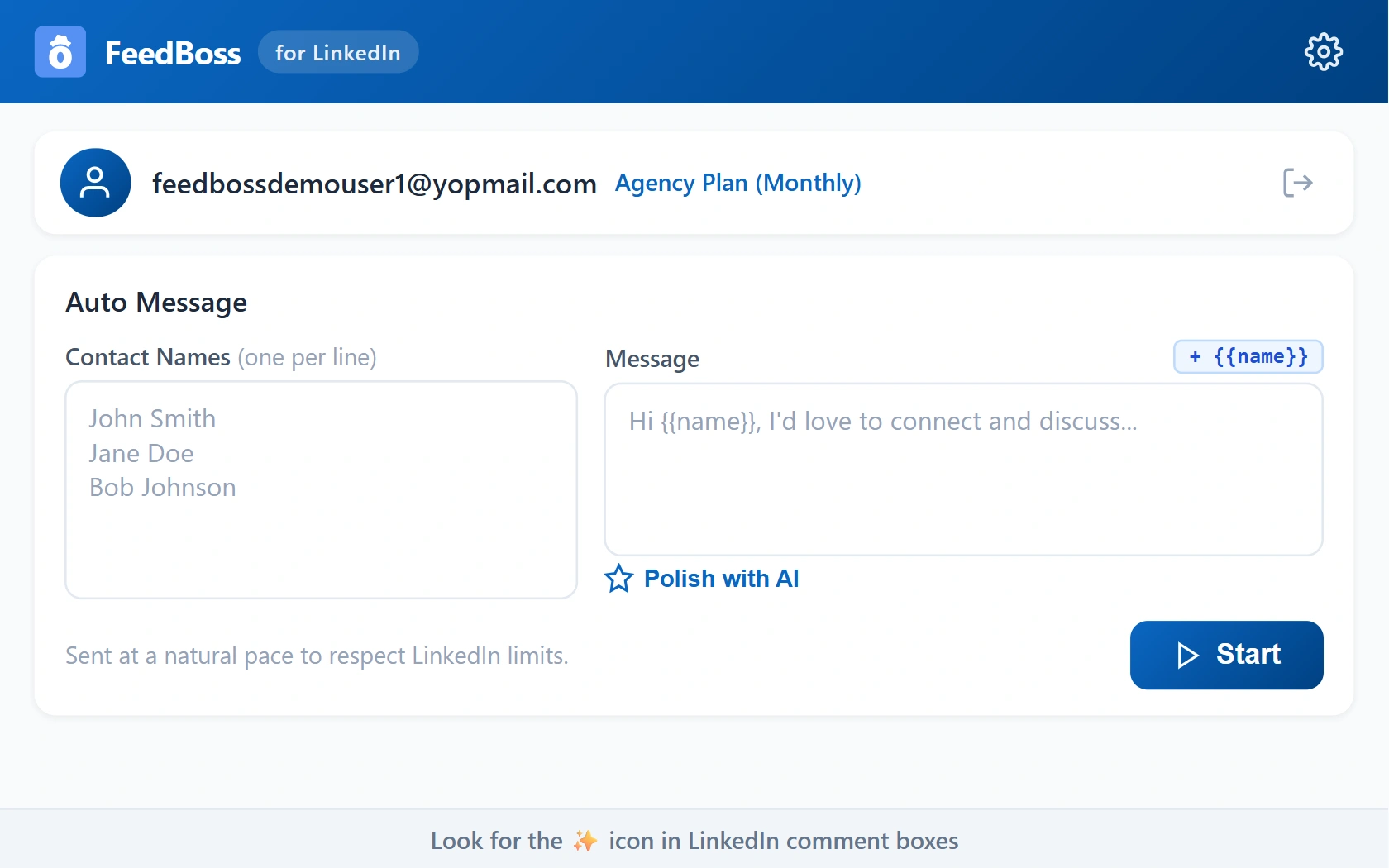
Engage Smarter, Directly in Your Feed
Commenting is the fastest way to grow on LinkedIn, but crafting thoughtful responses takes time. The FeedBoss Chrome Extension brings AI-powered comment generation right into your LinkedIn feed. It analyzes each post and author profile, then generates contextual comments in your voice — with four distinct response stances to match how you want to engage. Set up your persona once and start building genuine connections at scale. For deeper relationship management, pair with the Engagement Tools dashboard to track profiles and monitor conversations.
Key Features
In-Feed AI Comments
Generate comments directly on LinkedIn posts without switching tabs.
Four Response Stances
Agreeing, Contrarian, Inquisitive, or Supportive — choose how you engage.
Persona Customization
Set your industry, job title, and tone preferences for tailored output.
Few-Shot Learning
Paste 3-5 previous comments so AI matches your unique voice.
Post Analysis
AI analyzes post content and author profile to craft contextual responses.
Flexible Setup
Use your FeedBoss account or bring your own OpenAI API key.
How It Works
Install & Connect
Install from Chrome Web Store and connect your FeedBoss account.
Configure Your Persona
Configure your persona: industry, role, tone, and writing samples.
Generate a Comment
Click the sparkle icon on any LinkedIn post's comment box.
Review & Post
Choose a stance, generate, review, and post your AI-crafted comment.
Teach AI Your Voice
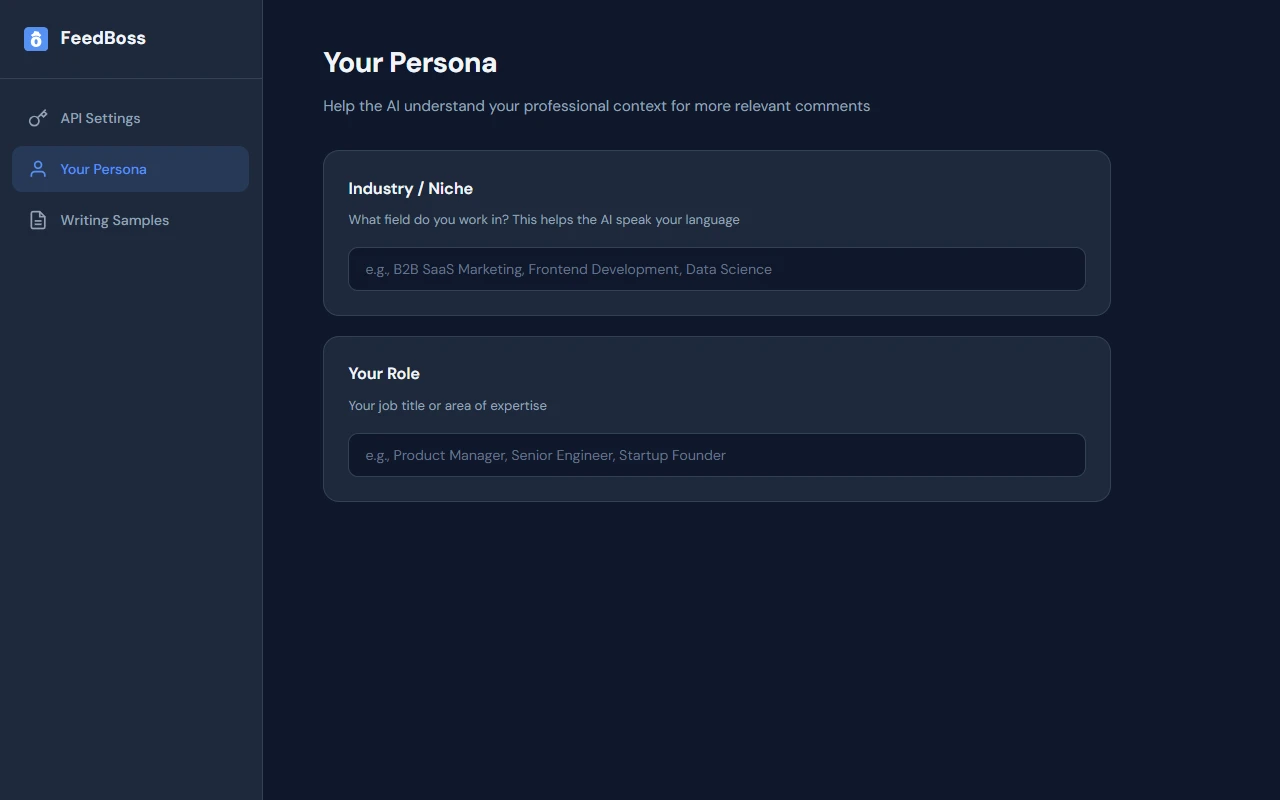
Set your industry, role, and tone so every generated comment feels authentically you — not like a bot.
- Define your industry and niche for relevant language
- Set your job title to match your professional perspective
- AI adapts tone and vocabulary to your context
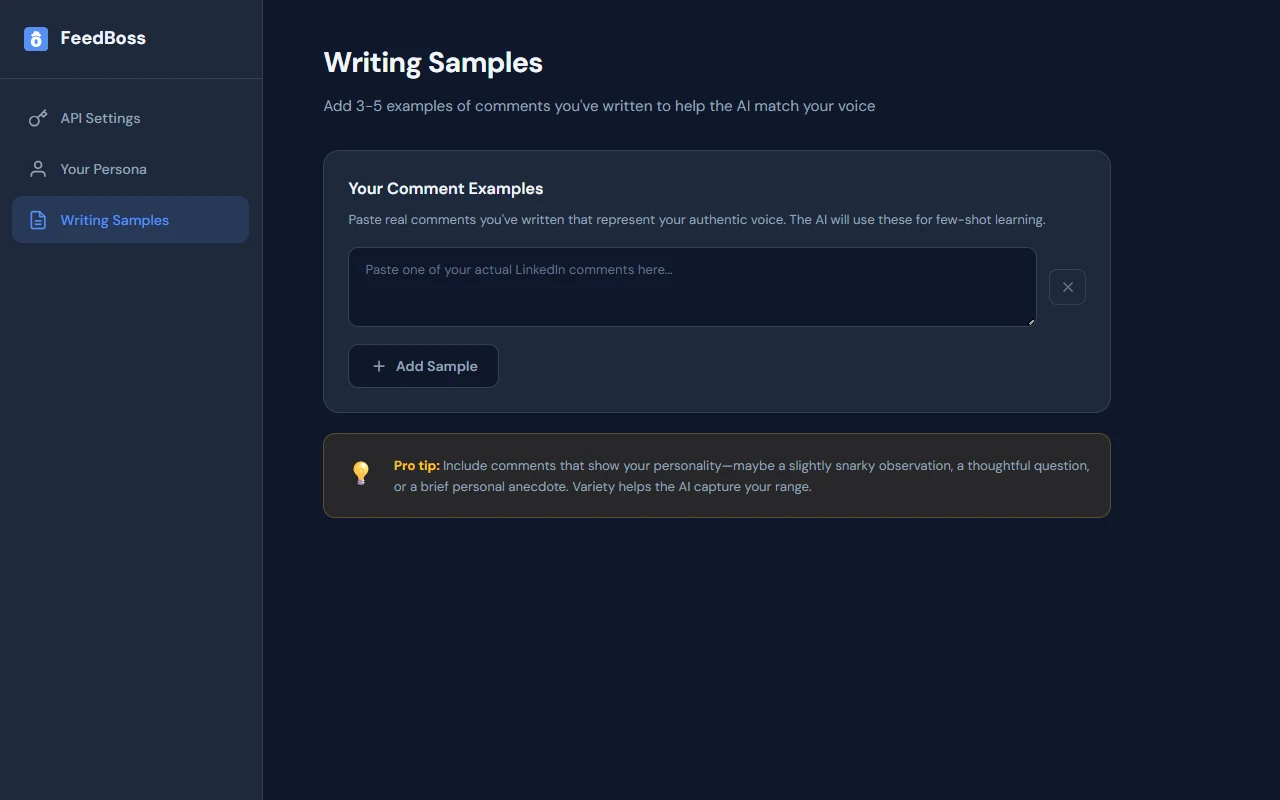
Train with Your Own Comments
Paste 3–5 real comments you've written and the AI learns your style — sarcasm, warmth, directness, all of it.
- Paste real comments that represent your authentic voice
- AI uses few-shot learning to match your writing style
- Add variety to help AI capture your full range
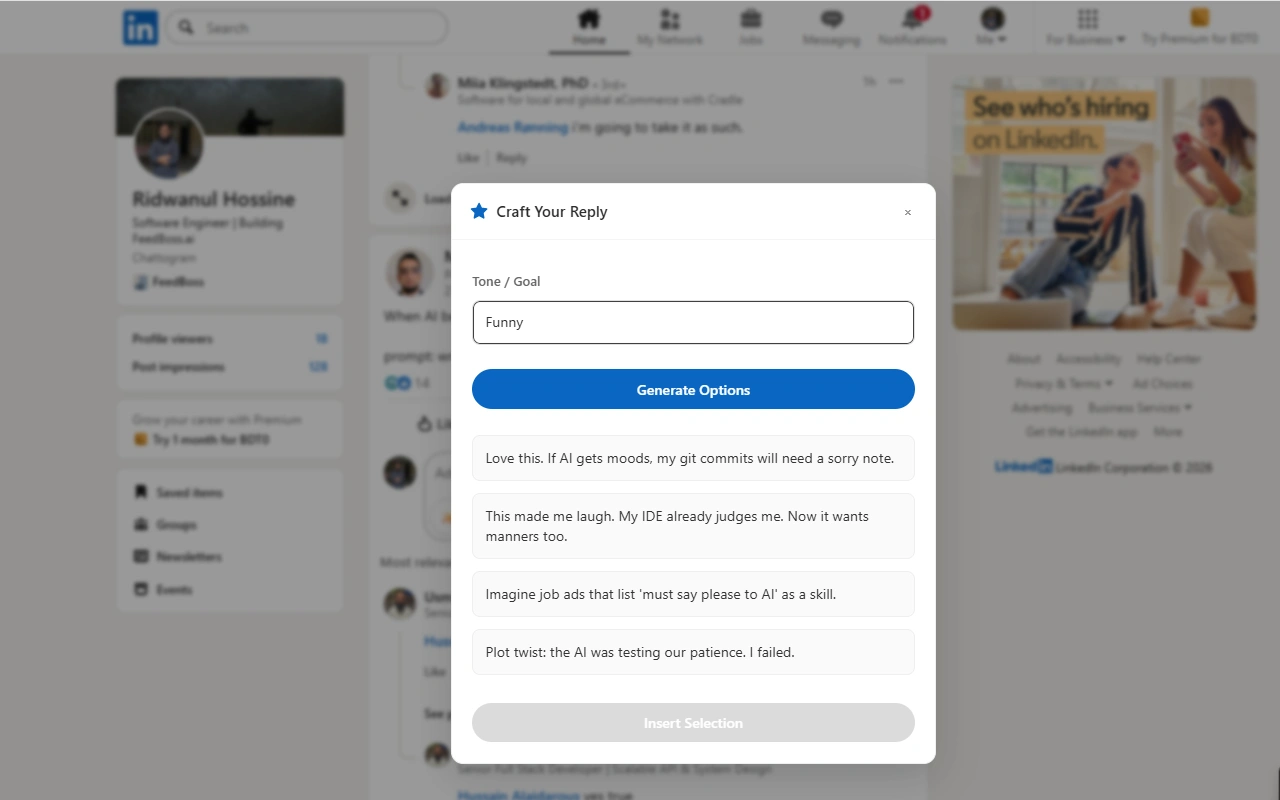
Comment Without Leaving LinkedIn
Click the sparkle icon on any post's comment box to open the AI reply composer — choose your stance, generate options, and post in seconds.
Who It's For
Built for LinkedIn creators at every level
Community Builders
Stay consistently active in your LinkedIn community without spending hours crafting individual comments. Build genuine connections at scale by engaging thoughtfully on posts in your niche.
Sales Professionals
Warm up prospects with meaningful comments before reaching out. Use the contrarian or inquisitive stances to spark conversations that open doors for relationship-based selling.
LinkedIn Power Users
Maximize your visibility in the feed without leaving LinkedIn. Comment on trending posts in your niche to get seen by new audiences and grow your following organically.
Frequently Asked Questions
Does the Chrome extension work on all LinkedIn pages?
Will my comments sound generic?
Do I need a FeedBoss account to use the extension?
What are the four response stances?
Related Features
Explore more tools in the FeedBoss platform
AI Post Generator
Generate publish-ready LinkedIn posts in single or batch mode with AI that learns your voice.
Learn more →Profile Audit
Get an AI-powered Personal Brand Score with actionable recommendations to boost your visibility.
Learn more →Popular Posts
Discover viral LinkedIn content trends by keyword, author, or niche and remix winning formats.
Learn more →Engagement Tools
Monitor tracked profiles, manage interactions, and grow your community from one dashboard.
Learn more →Your LinkedIn Presence Starts Here
Try FeedBoss free — no credit card, no commitment. Your first post in under 2 minutes.
Start Creating FreeFree trial. No credit card required.