Infographics That Tell Your Story
Turn any idea or dataset into a LinkedIn-ready infographic — with AI or from a template. No design skills needed.
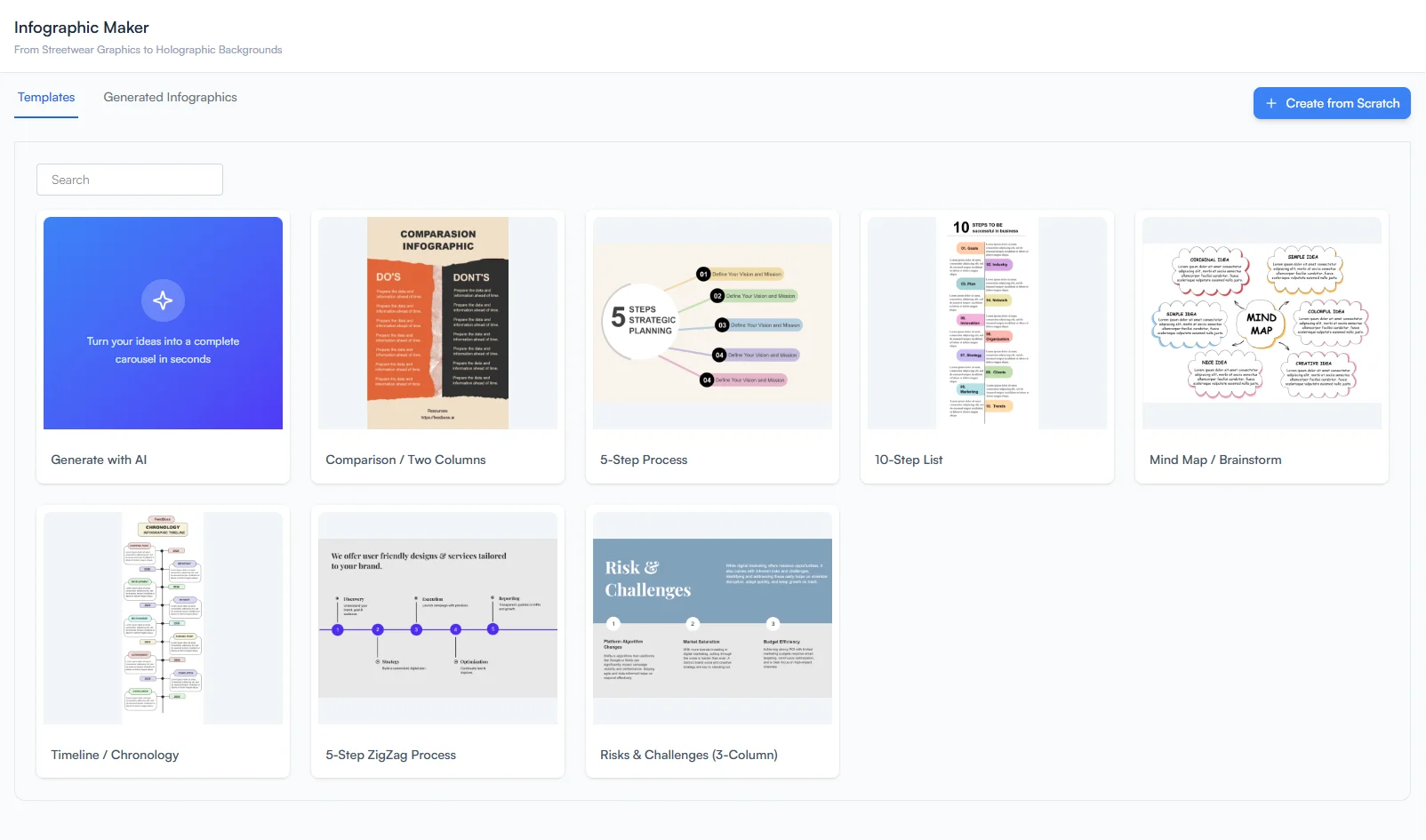
AI-Powered Infographic Creation
Turn complex data and ideas into stunning LinkedIn infographics. Choose between AI-generated designs from a simple text prompt or start from professional templates. Use Copilot mode for guided assistance or Autopilot for fully automated creation. The built-in canvas editor gives you full control over every detail — text, shapes, images, filters, and more. Combine infographics with a generated post for maximum engagement, or add them to your Content Calendar.
Key Features
AI Generation
Enter a detailed text prompt and optionally add reference images for style guidance.
Template Library
Browse and select from professional templates for quick starts.
Copilot Mode
Get AI design suggestions while maintaining full creative control.
Autopilot Mode
Let AI handle complete automated design generation for rapid creation.
Canvas Editor
Full editing suite with text, shapes, images, drawing tools, filters, and background removal.
Post Integration
Attach generated infographics directly to your LinkedIn posts.
How It Works
Choose Your Starting Point
Choose AI generation with a text prompt or select from the template library.
Customize Your Design
Customize with the canvas editor — adjust text, shapes, images, and layouts.
Leverage AI Assistance
Use Copilot for suggestions or Autopilot for fully automated design.
Export & Share
Export and attach to your LinkedIn post.
Who It's For
Built for LinkedIn creators at every level
Data-Driven Marketers
Transform statistics, research findings, and market data into visually compelling infographics. Make complex information digestible and shareable for your LinkedIn audience.
Educators & Trainers
Break down complex concepts, processes, and frameworks into clear visual formats. Infographics drive significantly more saves and shares than plain text posts.
Content Creators Scaling Output
Repurpose existing content into a new visual format without design skills. Turn blog posts, newsletters, or reports into LinkedIn-ready infographics in minutes.
Frequently Asked Questions
What is the difference between Copilot and Autopilot mode?
Can I use my own images in infographics?
How do I add an infographic to a LinkedIn post?
Can I start from a template instead of AI generation?
Related Features
Explore more tools in the FeedBoss platform
AI Post Generator
Generate publish-ready LinkedIn posts in single or batch mode with AI that learns your voice.
Learn more →Carousel Maker
Turn any topic into scroll-stopping carousel slides with AI-powered illustrations and a canvas editor.
Learn more →Content Calendar
Plan and schedule posts weeks in advance, or auto-generate a full month of content in seconds.
Learn more →Lead Magnets
Create checklists, swipe files, templates, and frameworks to grow your email list and authority.
Learn more →Your LinkedIn Presence Starts Here
Try FeedBoss free — no credit card, no commitment. Your first post in under 2 minutes.
Start Creating FreeFree trial. No credit card required.